
We Value Your Privacy
We use cookies and similar technologies to improve your browsing experience and analyze website traffic. You can accept all cookies or manage your preferences. For more details, please read our Cookie Policy.
Cookie Policy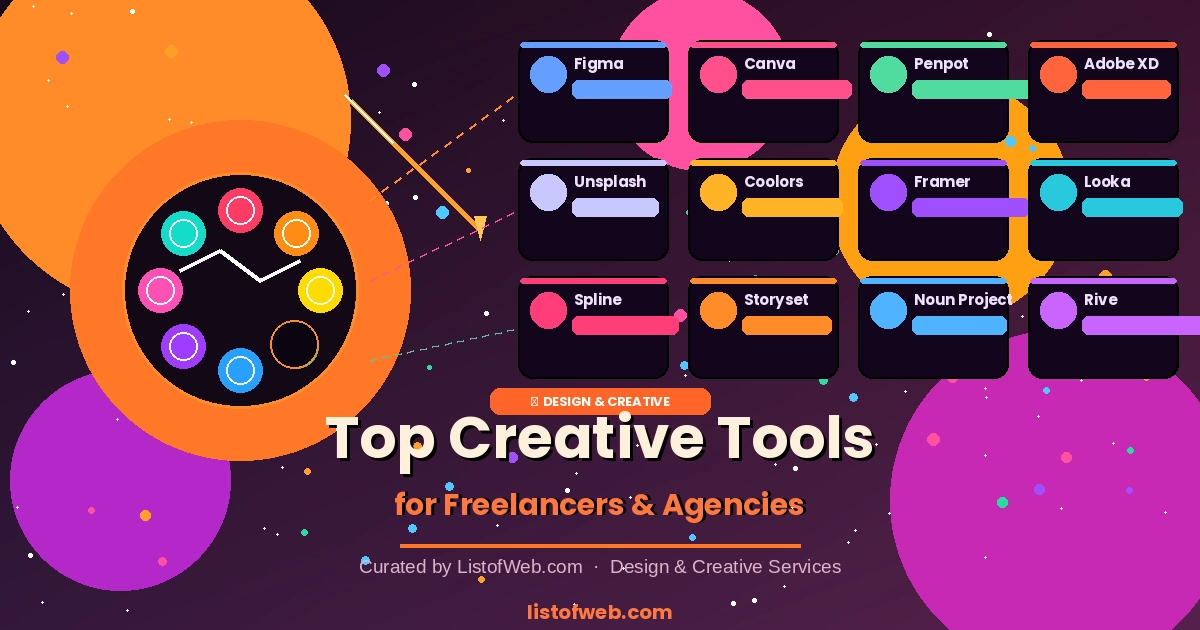
The right design tools can be the difference between good work and great work. For freelancers juggling multiple clients and agencies running high-volume campaigns, these are the tools that deliver professional results efficiently.
In 2026, a well-equipped designer doesn't need expensive software suites. A combination of free and affordable cloud-based tools can deliver results that rival any enterprise setup. Here's what we recommend across key categories.
💡 Pro Tip: Build a personal design system — a collection of your most-used colors, fonts, and components — to speed up every new project. Figma's component libraries make this easy.
You don't need a ₹50,000/year Adobe subscription to do professional design work. With Figma, Canva, Unsplash, and Coolors, you can build a world-class design practice for free or close to it. Submit your favorite design tools to ListofWeb.com and help other creatives discover them.
We use cookies and similar technologies to improve your browsing experience and analyze website traffic. You can accept all cookies or manage your preferences. For more details, please read our Cookie Policy.
Cookie Policy
Stay Updated